
Blog posts tagged "Windows"

What’s the best way to get a Linux environment in VSCode? Developers love Visual Studio Code (VSCode) for its flexibility and for its goldilocks balance of powerful features and lightness / speed. VSCode is a popular choice for developers using Linux, but even those using it on Mac or Windows often look for ways to

Multipass 1.11 is here! This release has some particularly interesting features that we’ve been wanting to ship for a while now. We’re excited to share them with you! For those who aren’t familiar with Multipass, it’s software that streamlines every aspect of managing and working with virtual machines. We’ve found that development, partic
Multipass has a new workflow tailored to run Docker containers on macOS, Windows or Linux. One single command, no dependencies, full flexibility. Multipass exists to bring Ubuntu-based development to the operating system of your choice. Whether you prefer the GUI of macOS (even on M1), Windows or any other Linux, the unmatched experience

Update: there is now a more streamlined way to run Docker on Multipass – see this tutorial for more details. Original blog below: If you’re looking for an alternative to Docker Desktop or to integrate Docker into your Multipass workflow, this how-to is for you. Multipass can host a docker engine inside an Ubuntu VM

Two weeks ago, Snapcraft reached its fifth milestone release, 5.0. This version brings in a number of significant changes, including the removal of the base (core) snap, which has been relegated to the 4.X channel track. For snap developers, especially those working in mixed environments, the availability of the first preview release of S
We are thrilled to release the Ubuntu on Windows Community Preview, a special build of Ubuntu for the Windows Subsystem for Linux (WSL) that serves as a sandbox for experimenting with new features and functionality. The new Ubuntu on Windows Community Preview is our way of thanking our community and providing a space for the community to

Kubernetes orchestrates clusters of machines to run container-based workloads. Building on the success of the container-based development model, it provides the tools to operate containers reliably at scale. The container-based development methodology is popular outside just the realm of open source and Linux though. Exactly the same bene
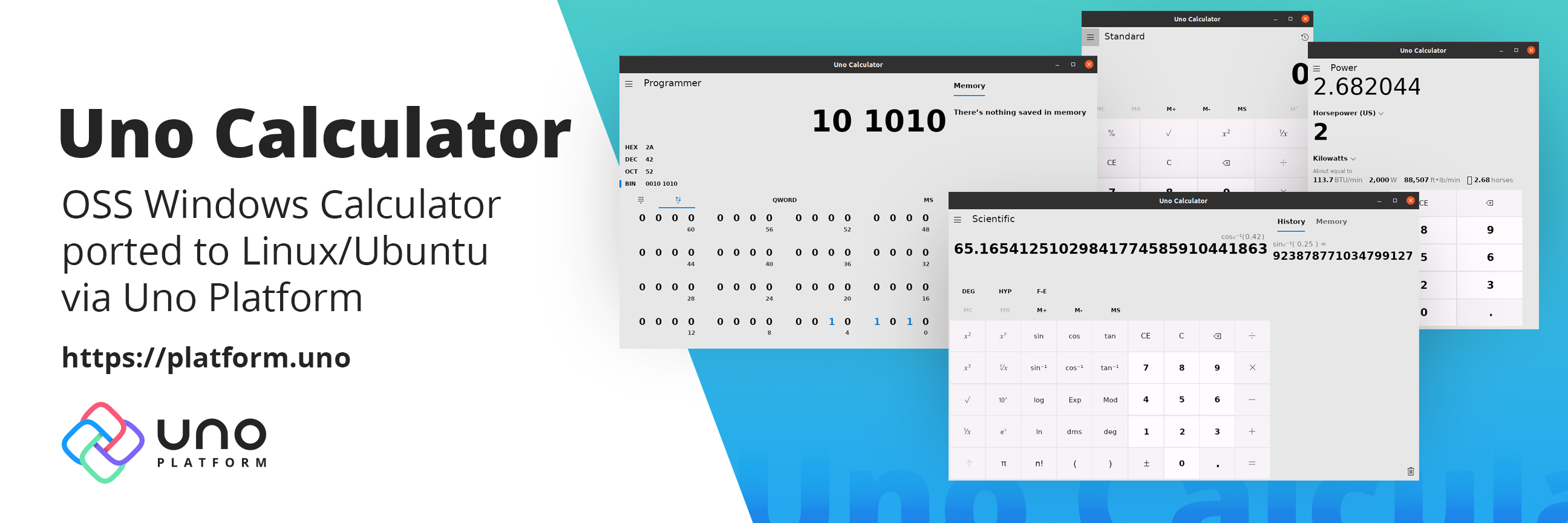
The good folks in the Uno Platform community have ported the open-source Windows Calculator to Linux. And they’ve done it quicker than Microsoft could bring their browser to Linux. The calculator is published in the snapstore and can be downloaded right away. If you’re on Ubuntu or you have snapd installed just run: snap install
Windows and macOS developers can now use MicroK8s natively! Use kubectl at the Windows or Mac command line to interact with MicroK8s locally just as you would on Linux. Clean integration into the desktop means better workflows to dev, build and test your containerised apps. MicroK8s is a conformant upstream Kubernetes, packaged for simpli
On March 10th and 11th, WSLConf – a conference dedicated to Windows Subsystem for Linux (WSL) – will go 100% virtual and be live-streamed for all its participants, worldwide. WSLConf is a community event, sponsored by Canonical. We will have presentations from developers, security professionals, teams from Canonical and Microsoft, and oth

Canonical is announcing today it will be a featured sponsor of WSLConf, the first conference dedicated to the Windows Subsystem for Linux (WSL) platform. WSLConf is scheduled for March 10th-11th, 2020 and is being held on the campus of Microsoft’s headquarters in Redmond, Washington. The conference brings together developers, start-up fou
May 6, 2019: Canonical today announces full support for Ubuntu on the Windows Subsystem for Linux (WSL) 2. “Extending enterprise support for Ubuntu from Azure to Windows workstations and servers creates a seamless operating environment for Ubuntu in the Microsoft environment,” said Stephan Fabel, Director of Product at Canonical. “Collabo

This article originally appeared on Andres Rodriguez’s blog I’m happy to announce that MAAS 2.3.0 (final) is now available! This new MAAS release introduces a set of exciting features and improvements to the overall user experience. It now becomes the focus of maintenance, as it fully replaces MAAS 2.2 In order to provide with sufficient
MAAS 2.3.0 (beta1)New Features & ImprovementsHardware TestingMAAS 2.3 beta overhauls and improves the visibility of hardware test results and information. This includes various changes across MAAS:Machine Listing pageSurface progress and failures of hardware tests, actively showing when a test is pending, running, successful or failed.Mac
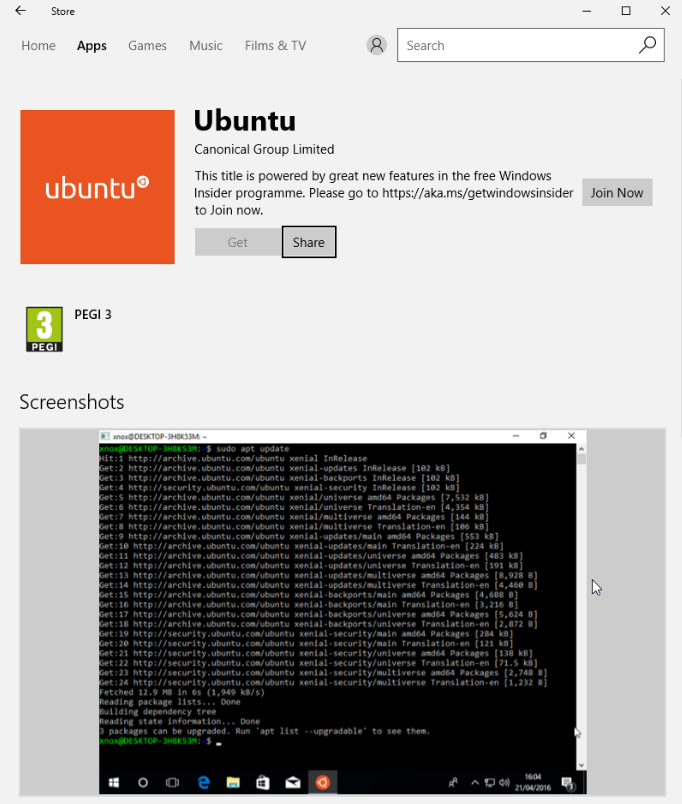
Ubuntu 16.04 is now available as an app from the Windows Store for users running Windows Insider builds. The newly improved app is created by Canonical in collaboration with the Microsoft WSL (Windows Subsystem for Linux) team as a result of the work announced at Microsoft Build 2017 Conference, after the first unveiling at Build
LXD on other operating systems? While LXD and especially its API have been designed in a mostly OS-agnostic way, the only OS supported for the daemon right now is Linux (and a rather recent Linux at that). However since all … Continue reading →